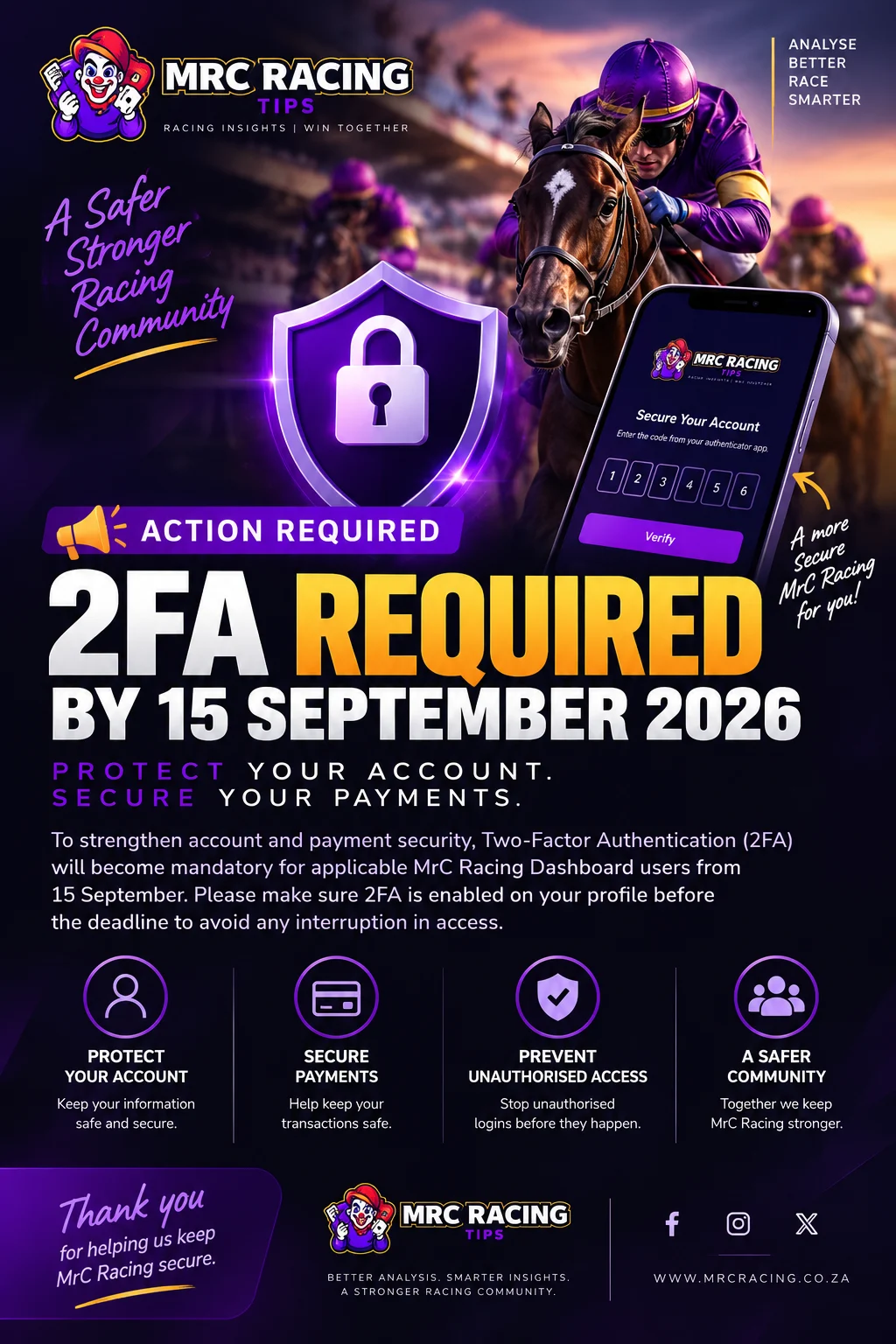
🔐 Mandatory Two-Factor Authentication Required by 15 September 2026
🔒 Protect your MrC Racing account with Two-Factor Authentication. This step-by-step guide explains who must enable 2FA, how to connect an authenticator app, how your verified browser session works, and how to resolve an invalid-code error.
Published 14 September 2026 at 09:47
🔐 YOUR ACCOUNT SECURITY IS IMPORTANT
As MrC Racing continues to grow and introduce secure payment services, protecting our users and their accounts remains a top priority.
Two-Factor Authentication, commonly known as 2FA, adds another layer of protection to your account. Along with your password, protected access requires a temporary verification code generated by an authenticator app.
👥 WHO CAN ENABLE 2FA?
2FA is available to every registered:
- ✅ Client
- ✅ Tipster
- ✅ Blog author
- ✅ Administrator
2FA is mandatory for administrator and payment-management access. Other registered users can enable it from their profile for additional account protection.
If MrC Racing asks you to complete 2FA, you must finish the setup before accessing the protected area.
📱 WHAT DO I NEED?
Install a compatible authenticator app on your phone or trusted device.
You can use:
- 📲 Google Authenticator
- 📲 Microsoft Authenticator
- 📲 Authy
- 📲 1Password
- 📲 Another TOTP-compatible authenticator app
⚠️ Before starting, make sure automatic date, time and time-zone settings are enabled on the device running your authenticator app.
🛠️ HOW TO ENABLE 2FA
- Sign in to your MrC Racing account.
- Select Security in the website header.
- Open the MrC Racing Account Security page.
- Select Set up authenticator app.
- Open your chosen authenticator app.
- Scan the QR code displayed by MrC Racing.
- If you cannot scan the QR code, enter the displayed manual setup key into your authenticator app.
- Wait for a fresh six-digit verification code to appear.
- Enter the code under Code from the app.
- Select Verify and enable 2FA.
🎉 Once verification succeeds, MrC Racing will confirm that 2FA is active on your account.
🚨 IMPORTANT SECURITY INFORMATION
- ❌ Never share your QR code.
- ❌ Never share your manual setup key.
- ❌ Never share your temporary verification code.
- ❌ Never send this information by email, message or screenshot.
MrC Racing support will never ask you to provide your authenticator setup key or temporary verification code.
If your QR code or setup key is accidentally shared, cancel the setup and generate a new QR code immediately.
⏱️ RECEIVING AN INVALID CODE ERROR?
Authenticator codes change approximately every 30 seconds.
If your code is rejected:
- ✅ Confirm that automatic date and time are enabled on your phone.
- ✅ Confirm that the correct time zone is selected.
- ✅ Use the newest MRC Racing Tips entry in your authenticator app.
- ✅ Wait for a completely new code to appear.
- ✅ Enter the code well before it changes.
- ✅ Check that all six digits were entered correctly.
If the code still does not work:
- Select Generate new QR code.
- Remove the previous MRC entry from your authenticator app.
- Scan the new QR code.
- Enter a fresh six-digit code.
💻 WILL I NEED A CODE ON EVERY PAGE?
No. ✅
After successful verification, your current signed-in browser session remains verified.
You may be asked for another code after:
- 🔄 Signing out
- ⌛ Your session expires
- 📱 Signing in on another device
- 🌐 Using another browser
- 🛡️ An account-security change
- 🧹 Clearing your browser information
This provides stronger security without asking for a code whenever you open another page.
🛡️ WHAT DOES 2FA HELP PROTECT?
- 🔐 Account access
- 🪙 MRC Credits
- 💳 Payment-related activity
- 👤 Personal account information
- 🏇 Tipster tools
- 📰 Blog-author tools
- ⚙️ Administrator controls
We strongly encourage every registered user to enable 2FA, even if it is not currently mandatory for their account type.
🙏 Thank you for helping us keep MrC Racing safe, secure and reliable.
MrC Racing
🏇 Better Analysis. Smarter Insights. A Stronger Racing Community.